You sure have seenthis post. It has spread like wildfire over the past few days so I doubt there is any artist out there who hasn’t seen it. But even if you didn’t, you should read on because I’m about to tell you a handy little thing that can help you to protect your art from such assholes as the anon who submitted this bullcrap, as well as art thieves in general.
The magic word is Metadata.
Metadata is like an invisible signature that is embeded into a file. It can contain all kinds of information, like Title, date, keywords for online seach engines, and copyright information. And the best thing is, since this information is “hidden” in the code of your picture, it’s hard to remove it.
There is a nice basic tutorial on how to add Metadata, or “additional file information” to your images in photoshop. It’s really, really easy so check it out!
I’m not sure if you can do the same with any other art program. If you know how to do this in other programs / can confirm that it works the same way there, please tell me so I can add the information to this post.
Adding the Metadata will not stop idiots from taking and reposting your art. It also won’t make them stop editing out your signature. It WILL however, help you prove that you are the original artist whenever you have to. Always remember my friends. You, the artist, are protected by law. No one has the right to take your intellectual property and hard work and repost, use or edit it without your permission. Ever.
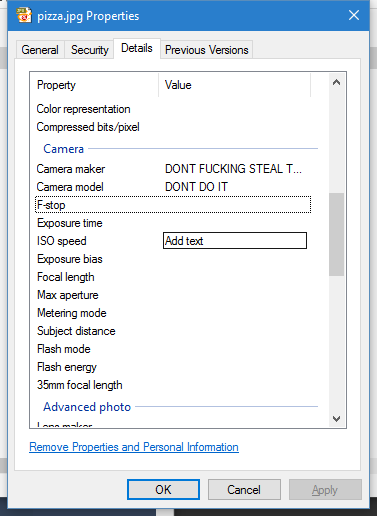
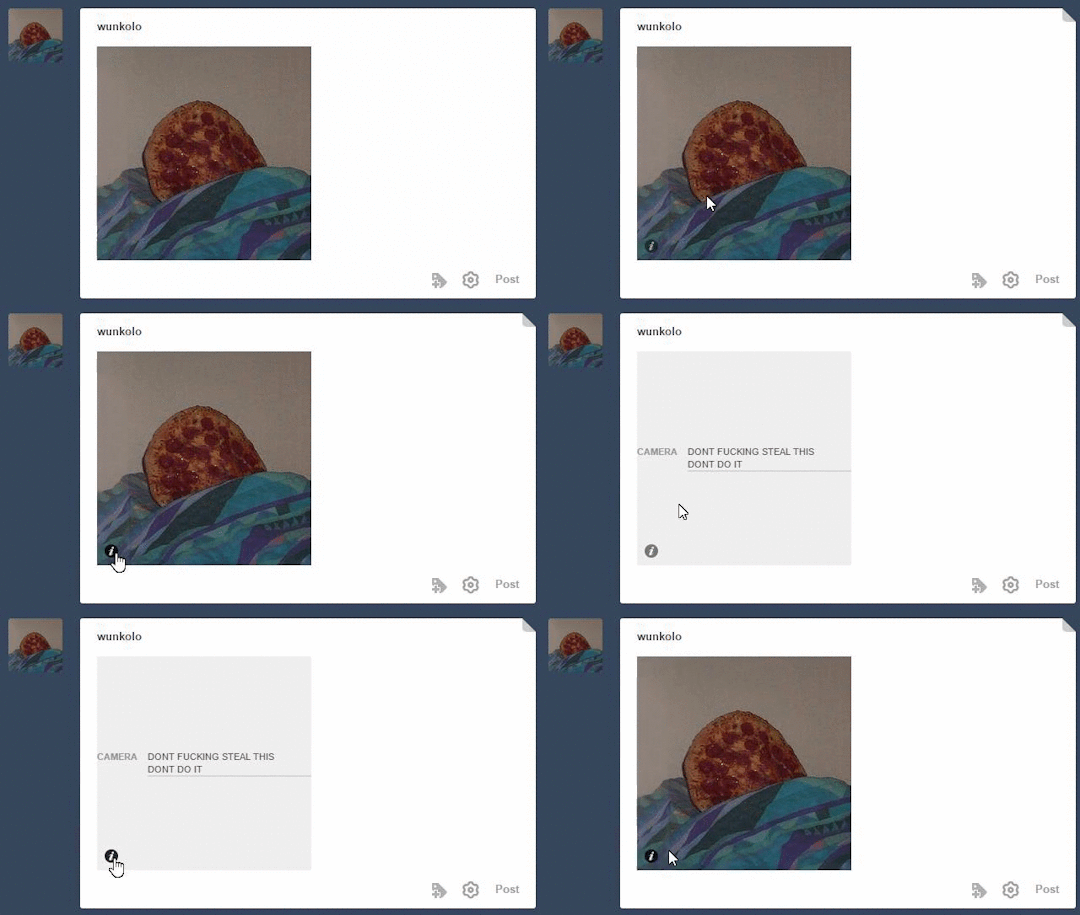
OP is talking about something images can store called EXIF data which tumblr can actually parse and that most image tools preserve no matter how much the image gets edited. Tumblr shows camera-related exif data as the little “i” on the bottom of images and not much else will show besides camera-related data(Author or Image Description fields aren’t immediately shown) but you can edit the camera name and model to source your art if it ever gets reposted to tumblr. This only works on JPG images. Right click your image and go to properties and go to the details tab and edit the camera-related exif metadata and it will show up when uploaded to tumblr. Even if the image was to be edited in photoshop or whatever.
Not sure if Mac users can do this as a native feature but they can use this [http://thexifer.net/]
be sure to signal boost this because some of the spam bot posts are really gross and unpleasant and i don’t want to scroll through that shit while i’m eating or something
How many times have you seen posts with the comment “I’d add a pic but I’m on mobile?” How many times have you yourself yearned to add that perfect meme but you’re not on your pc?
Well fret no more! Embedding photos to text posts via mobile is not only possible, it’s easy!
Just type <img src=“URL”>
That’s it, that’s literally it. You’re welcome and happy blogging!
aaaaa i haven’t seen a post like this before so i figured i’d make my own? i hope a few people would find this useful cuz i don’t think everyone knows yet! anyway here we go:
Anything between 300-539 pixels width will be stretched to 540!
So 299 is the magic number to avoid tumblr blowing up your reaction images! What I also do is just set my canvas to 540 pixels and draw within that, if I think 299 pixels will be too small.
Of course, this only applies to the website and not the mobile app.
You’re a life savior.
if tumblr makes an image stretch, there’s a way to revert it back to it’s intended size!!
click the gear symbol at the top right of a text post and go down to html
in the image file, it’ll say “tmblr-full”. you can change that to “tmblr-hires” and your pic won’t be blown up!!

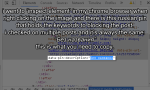
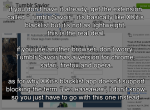







 refessence