(Sorry this is so long, tumblr won’t let me un-indent all the things without messing the hyperlinks up BLUH. So press J to skip.)
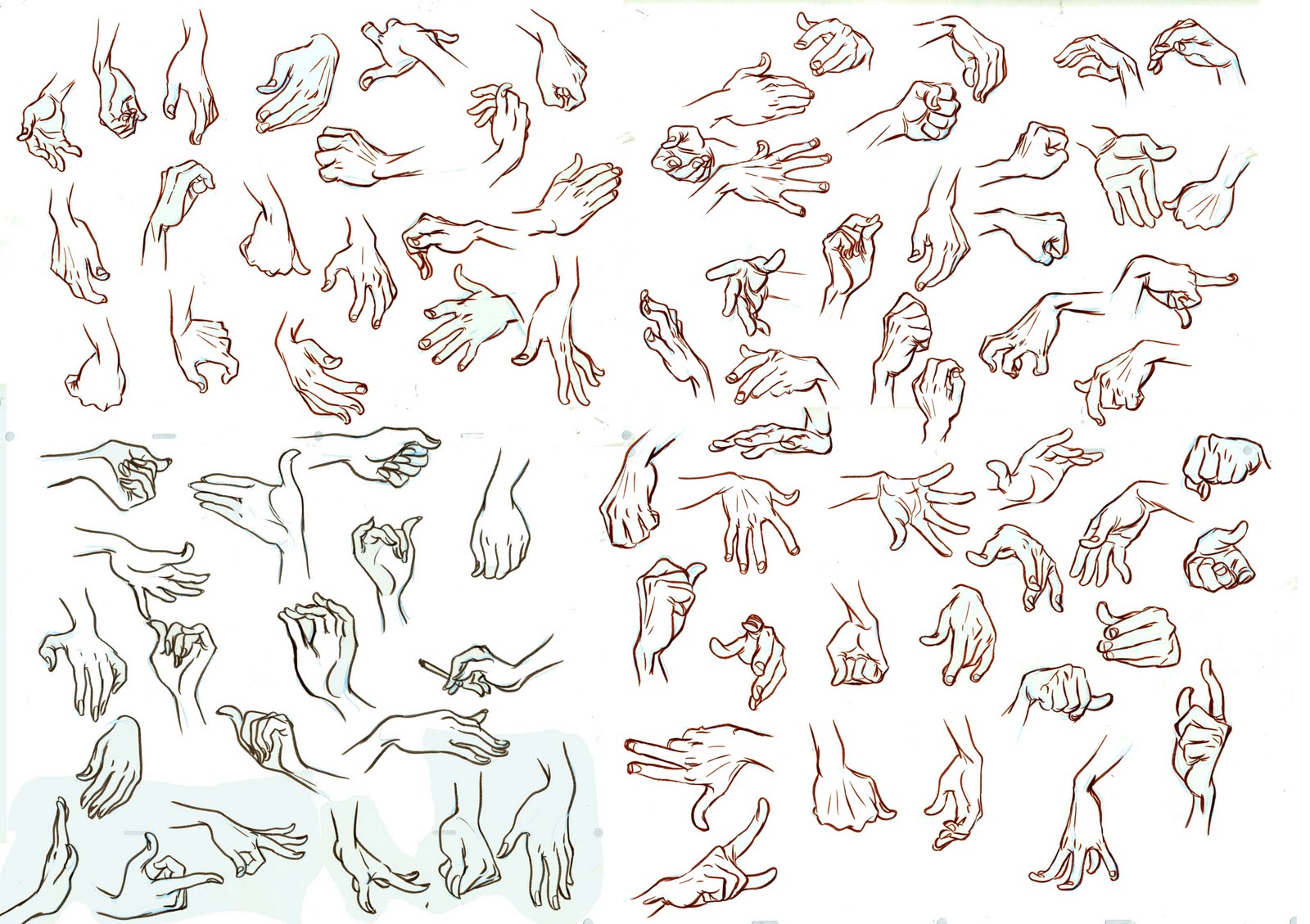
I just went back through over 900 liked posts and dug out all the art tutorials so i can keep track of them. I guess this might be helpful to some of you guys, so here you go.
Some of these were gutted from posts where the original was deleted and so can’t be linked to in the masterpost list – especially one by Tumblr user melkh who has since either deleted or changed their url, so props to them.
Here we go then!
Freeware
Alchemy – this is a really fun program. You play around making abstract shapes until you start to see something in them, kind of like a Rorschach test. Then you use the shapes as a base to draw it from.
MyPaint – a pretty decent painting program that also has the benefit of working on Unix systems.
openCanvas 1.1 – I haven’t used openCanvas in years but it was a nice program with a pretty unique feel to it.
ArtRage – Only used this a couple of times donkey’s years ago just before I got oC, but I’ve heard good things about it.
The GIMP – In a similar vein to Photoshop, but free. I couldn’t get on with it when I tried it out a few years ago, but it’s pretty popular and is available on Unix systems and Macs.Not-free-ware
Photoshop – Standard painting fare. Probably the most flexible program (particularly the latest versions) but not designed to act in a “natural” way. If you’ve used it for painting versus something like Painter you know what I mean. Who the fuck pays for it though? Google “Photoshop tumblr masterpost” and take your pick.
Paint Tool Sai – Far more affordable and definitely worth paying for if you can. The brushes are very decent (especially when they’ve been tweaked a little), the gui is simple and intuitive, and I dare you to find a program with which making smooth lineart is easier.
Corel Painter – My program of choice for most things. More tools than you could ever possibly use and pretty cheap on a student license, providing that you can prove you’re a student! It’s got a few bugs but if you want realism or a more natural feel than PS or SAI this is the program for you.Anatomy
anatomy and rotation of the head
Expressions
emotions and facial expressions
expressions from different angles (love this site)
Poses
Skin tones
paint some life into your skin tones
Colouring
gamut mask tool (very nice!)
5 easy ways to improve your colouring
fucking gradients, how do they work
achieving a painterly look in SAI
kuler (more colour schemes)
Brushes
a very nice setting for the sai acrylic brush
photoshop fur brushes (and tutorial)
Other peoples masterposts
love your fellow artist (anything from prompt generators to animation background here, very nice)
e books
art e-books (mediafire download)
even more e-books (including human anatomy, animal anatomy, cartoons, animation, composition, design, scenery, perspective…)
Tutorials
a pretty extensive general art tutorial
tumblrs
criminallyincompetent (check out their #reference and #tutorial tags, they’re gold)
arty masterpost

Published
 refessence